Wallet for Pearl (PRL)
The Pearl wallet that keeps your keys on your phone.
Send and receive PRL and collect mining payouts on iPhone and Android. Your recovery phrase is created, stored and used only on your device.
- Self-custodial
- Signed on device
- No account
- No tracking
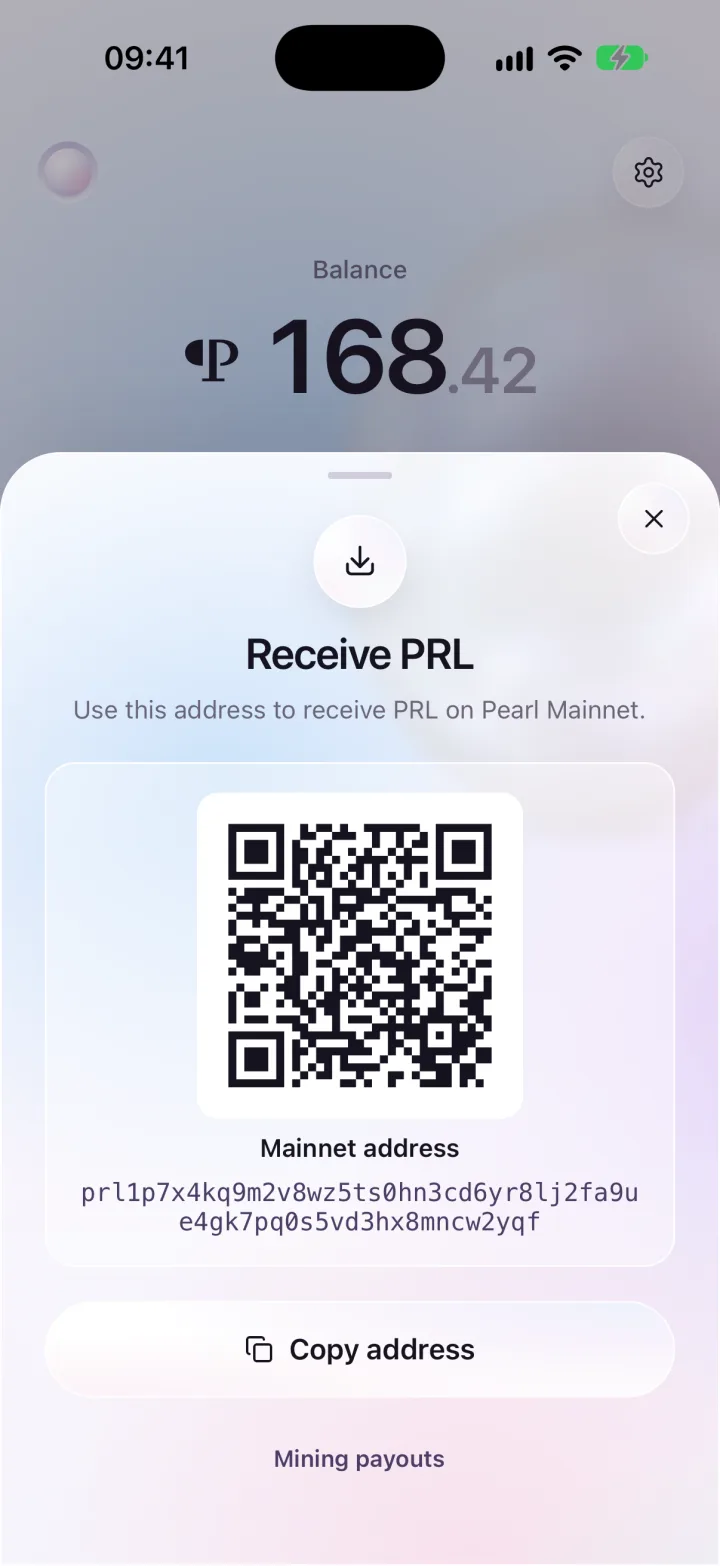
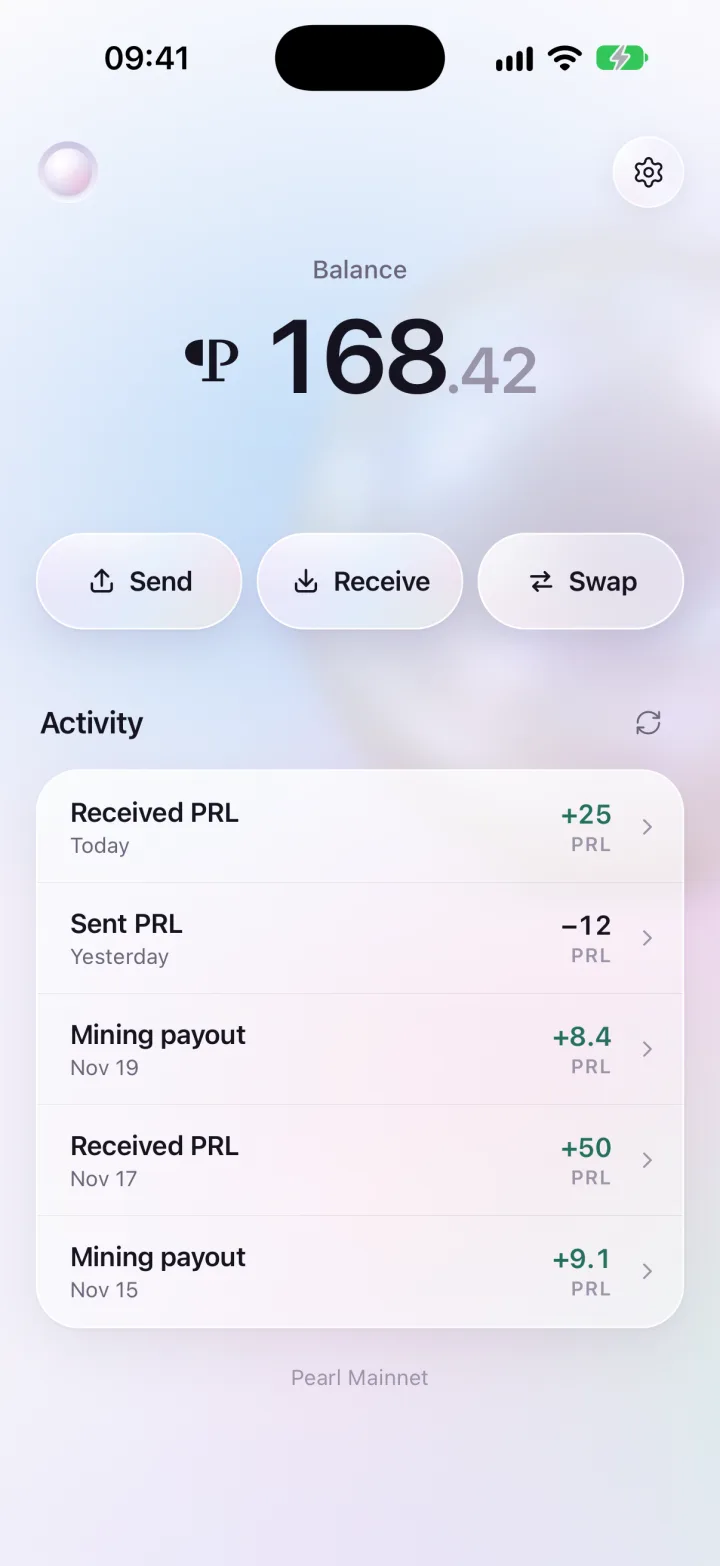
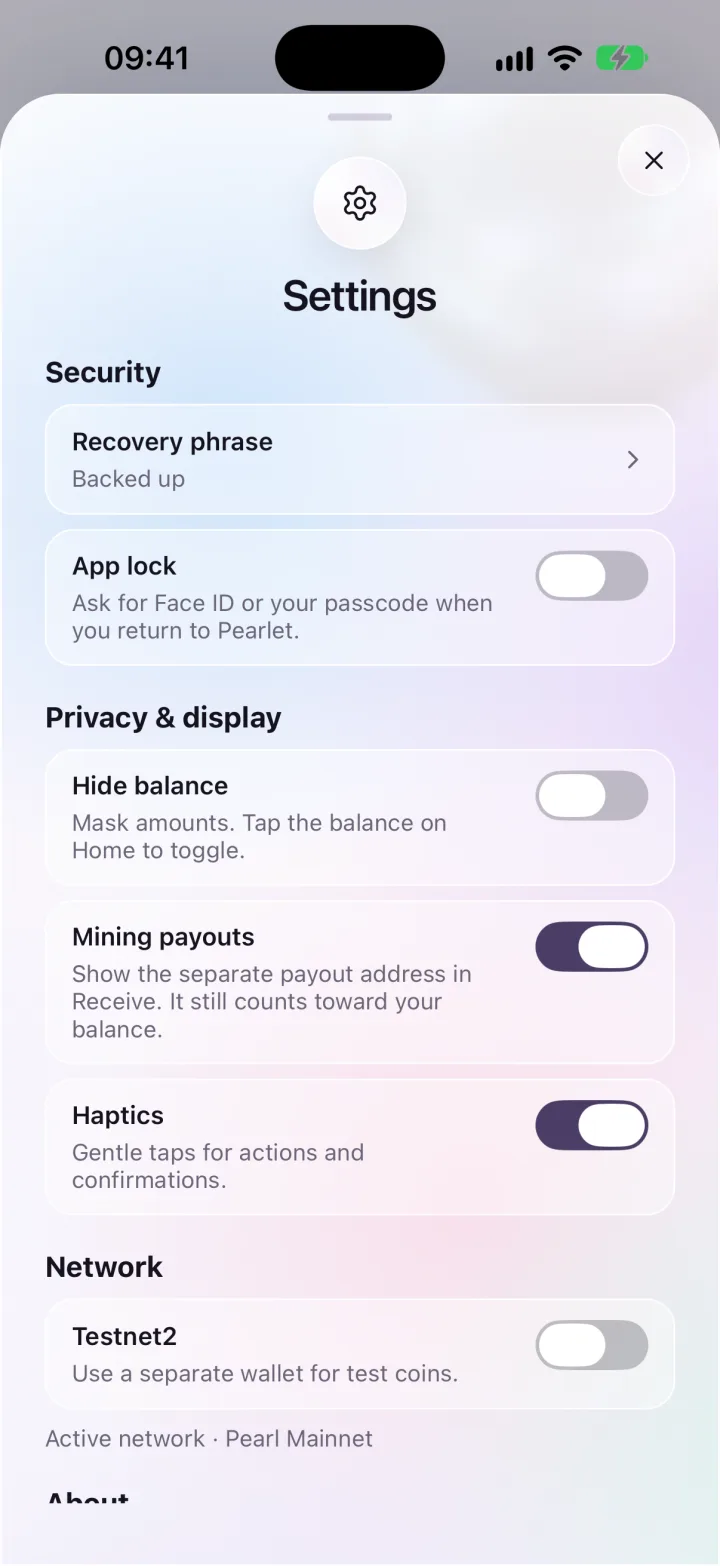
Inside the app
Real screens. Nothing staged but the numbers.
Captured from the Pearlet app on iPhone. Balances and activity are sample data.
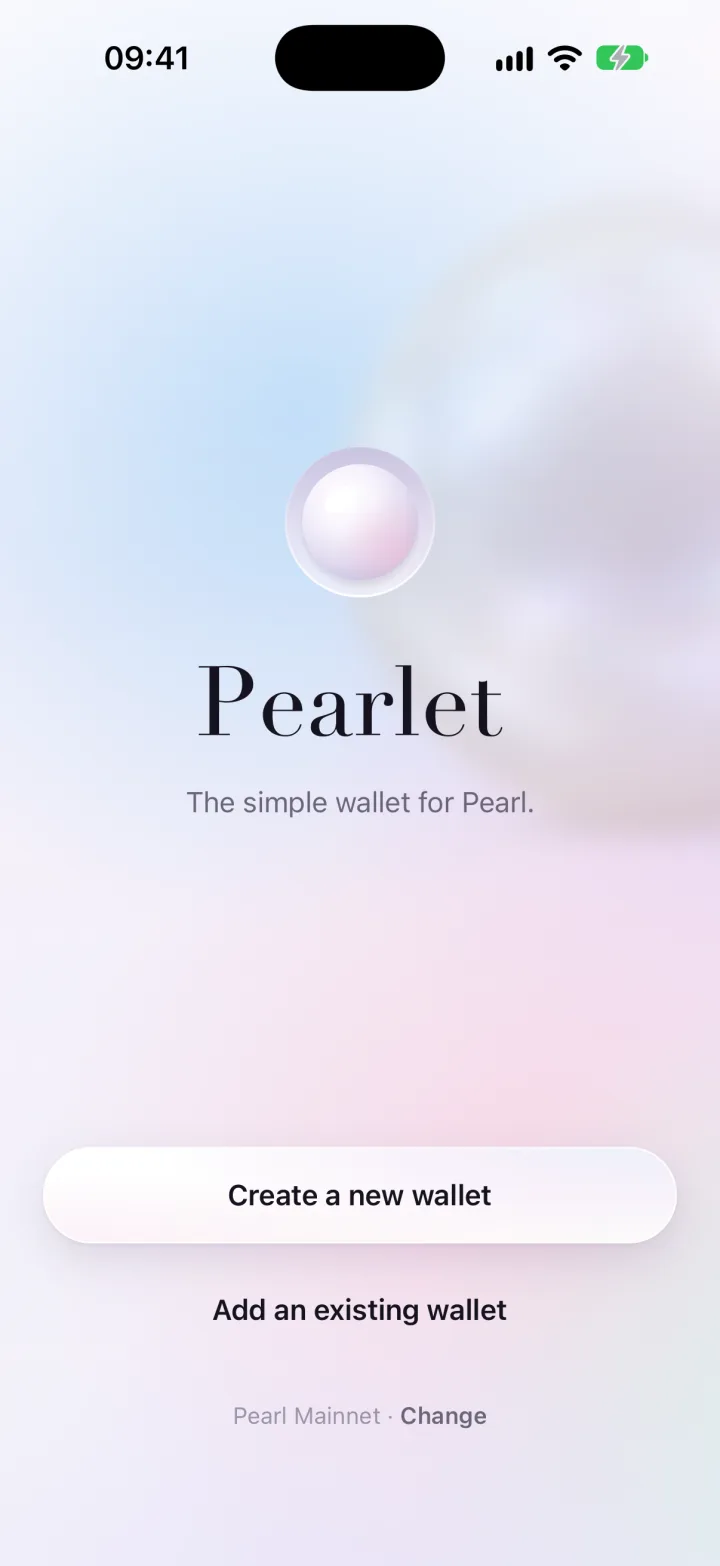
WelcomeCreate or add a wallet
HomeBalance and activity at a glance
ReceiveQR code and mining payouts
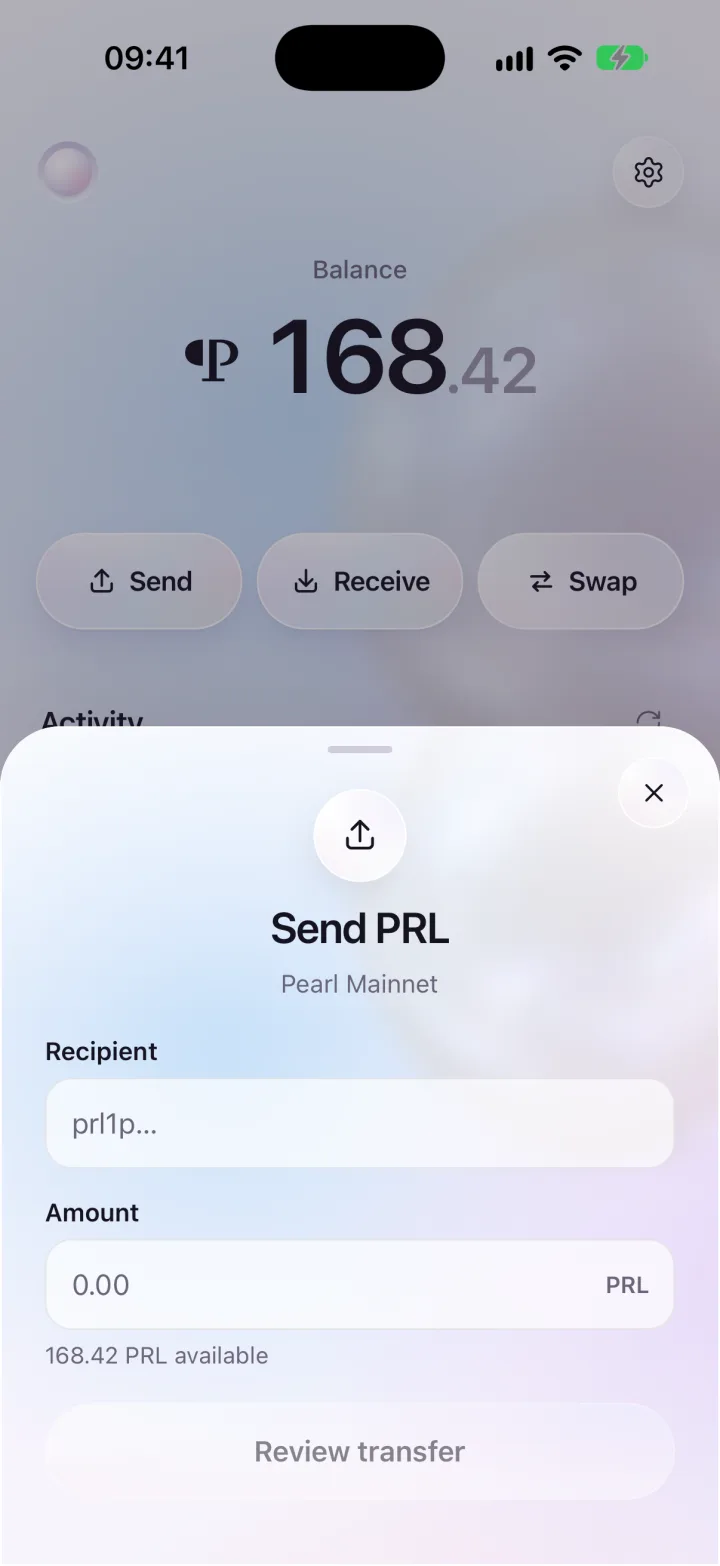
SendClear review before Face ID
SettingsApp lock, hide balance, Testnet2
LaunchThe pearl, set in nacre
Features
Everything you need. Nothing you don’t.
Pearlet does a few things carefully: holding your PRL, sending it safely, and keeping mining rewards in view.
Your keys stay on your phone
Pearlet creates your 12-word recovery phrase with your phone’s own randomness and keeps it in the iOS Keychain or Android Keystore. Transactions are signed on the device. Only the signed bytes leave it.
Face ID before anything moves
Signing a payment, revealing your recovery phrase and retrying a broadcast all ask for Face ID, Touch ID or your passcode. An optional app lock covers the wallet at launch and after 30 seconds away.
Back up when you are ready
Create a wallet anywhere without showing the phrase. Back it up later somewhere private, then confirm it with a four-question tap quiz. Pearlet reminds you until it is done.
Careful sends
Pearlet checks the address and network, shows the amount and fee for review, and verifies every coin it spends. If the network does not answer, it retries with the exact same signed transaction, so a payment is never sent twice.
Mining payouts, built in
A dedicated payout address for your miner or pool keeps rewards easy to spot and your everyday address private. Pearlet waits the 100 confirmations mining rewards need before spending them.
No node to run
Pearlet connects to a hosted Pearl indexer for balances, activity and fees. Nothing to install or sync. A separate Testnet2 wallet is one switch away in Settings.
Security and privacy
What stays with you, and what doesn’t.
A wallet should be clear about where your data goes. Here is exactly what Pearlet keeps on your phone and what it shares.
Stays on your phone
- Your 12-word recovery phrase, in the Keychain or Keystore
- Your private keys and every signature
- Your settings and pending-transfer journal
Shared with the Pearl indexer
- Your public addresses, to read balance and activity
- Transactions that are already signed, to broadcast them
- Your IP address, as with any internet request
Getting started
Three steps to get started.
Create or restore
Make a new wallet, or restore one with your 12 words, including wallets from Inlay or Lustre.
Back it up
When you are somewhere private, reveal your phrase, write it down and pass the quick quiz.
Send and receive
Share your address or QR code, or send PRL after a clear review and Face ID.
FAQ
Questions, answered.
What is Pearlet?
Pearlet is a mobile wallet for Pearl (PRL) on iPhone and Android. You can send and receive PRL, collect mining payouts and see your activity. It is self-custodial: only you hold the recovery phrase.
Does Pearlet ever hold my coins or my recovery phrase?
No. Your recovery phrase is generated and stored on your phone, protected by the iOS Keychain or Android Keystore. Pearlet has no account and no server-side copy of your keys. If you lose your phone, your 12 words are the only way back in.
What can the indexer see?
To show your balance and send payments, Pearlet asks a hosted Pearl indexer (Blockbook) about your public addresses and submits transactions that are already signed. The indexer can see those public addresses and your IP address. It never sees your recovery phrase or private keys.
Can I restore a wallet from Inlay or Lustre?
Yes. Pearlet was previously called Inlay, and before that Lustre. Enter your 12-word recovery phrase in Pearlet to restore the same addresses and balance. Pearlet shows the recovered addresses before saving, and can check them against an address you already know.
Can I mine to Pearlet?
Yes. On Mainnet, Receive offers a dedicated Mining payouts address to paste into your miner or pool. Payouts count toward the same balance and become spendable after 100 confirmations. The mining software itself runs separately.
Is Pearlet audited?
Not yet. The signing and recovery code is covered by automated tests, but no independent security review has been completed yet. Start with amounts you are comfortable with.
When can I download it?
Pearlet is preparing its first iPhone release through TestFlight, with Android to follow. This page will link to the App Store and Google Play as soon as they are live.

Your PRL, on your phone, under your control.
Pearlet is coming to iPhone first, then Android.